 Add SourceLayer to Chrome
Triage a long source quickly
Use At a Glance and the Map’s sections to decide whether a two-hour talk is relevant to your question, and which parts to watch closely. That is faster than watching at speed and hoping the relevant part stands out.
For researchers
Conference talks, expert interviews and public lectures are useful sources, but they are slow to search and easy to misquote. SourceLayer maps a long YouTube video into sections and ideas, each linked to the transcript passage and the moment it was said, so you can check the source before you rely on it.
By SourceLayer team · Updated 2 November 2026
Use At a Glance and the Map’s sections to decide whether a two-hour talk is relevant to your question, and which parts to watch closely. That is faster than watching at speed and hoping the relevant part stands out.
Open the idea that matches your question and read its supporting transcript passage. Then play the original from a little before the timestamp. Speakers often qualify a claim a sentence later, and the qualification can change its meaning.
Treat a Map idea as a pointer, not a finding. Quote only words you have heard in the original, and keep your own interpretation separate from what the speaker said. Automatic captions can mishear names, numbers and technical terms.
Record the video title, speaker, channel, date and timestamp for every quotation. Styles such as APA use a timestamp in place of a page number when you quote a video. A timestamped link lets a reader or reviewer check the passage in seconds.
For long conversations, look for the section where a topic is discussed, then check later sections too: guests often come back to a subject or correct themselves.
How to find a quote in a podcastOn Standard, save the Maps of sources you use repeatedly, so you can return to a talk without rebuilding your notes.
SourceLayer works with supported YouTube videos that have usable captions, in Chrome. Automatic captions can mishear names and technical terms, and a Map can miss context, so check the original video before relying on an idea. In the inspected extension implementation, video sync and timestamp seeking are limited to the first 90 minutes of a video. Free includes 3 hours of video per month. Standard is $13.99 per month or $125.91 per year in the US, and £10.99 per month or £98.91 per year in the UK, with 30 hours per month and the Saved Library.
See pricingProduct views from our published Chrome Web Store listing. Saving Maps and ideas is available on Standard.
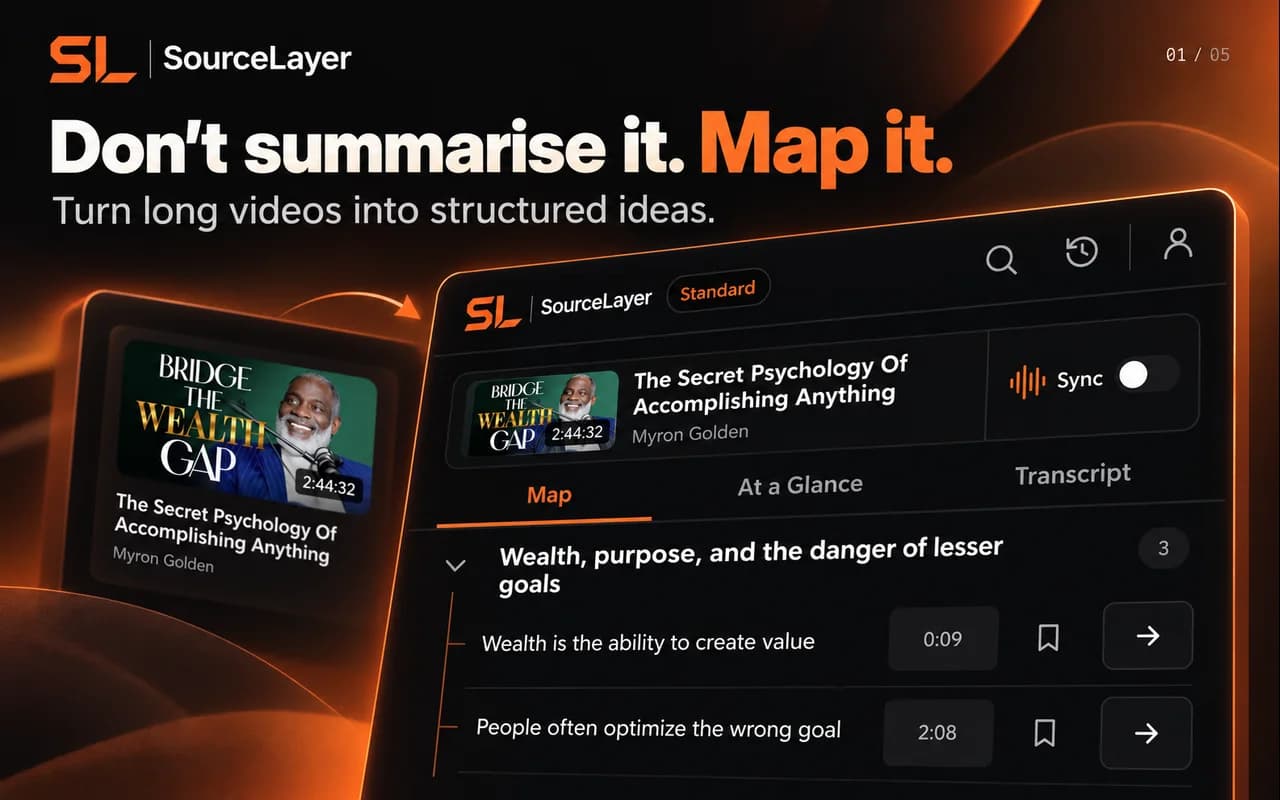
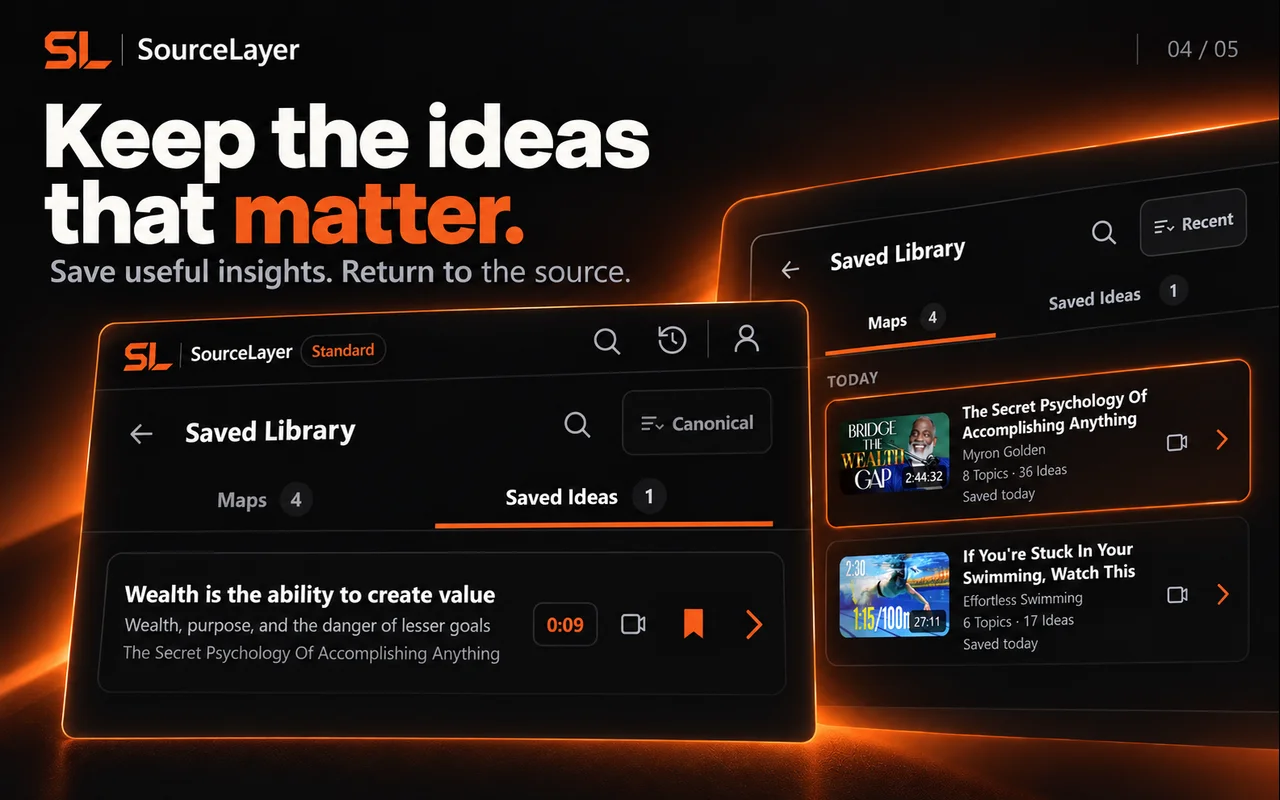
View the current Chrome Web Store listing. Listing artwork shows example content; it does not imply creator endorsement.
Quantum Mechanics: Animation explaining quantum physics — Physics Videos by Eugene Khutoryansky (25:46).
Frozen marketing Map based on the captured public English caption track. Source: Physics Videos by Eugene Khutoryansky, Creative Commons Attribution (YouTube). Selected excerpts and editorial paraphrases; no affiliation or endorsement.
This example uses the current research demonstration. It illustrates Map navigation; it is not a transcript of the video.
Source-linked by design.
Idea → Supporting transcript → Exact timestamp → Original source