We make SourceLayer, so read this with that in mind. YouTLDR is built around summaries, transcripts in many languages and turning videos into content: blog posts, LinkedIn articles and threads. People look for an alternative when their goal is learning or research rather than publishing, or when a daily cap gets in the way.
Summaries and transcripts in many languages, and turning videos into blog posts, LinkedIn articles and threads
Pro: $12 a month, up to 10 new transcripts and 10 summaries a day
Prices from each product’s own pricing page, checked 1 November 2026, except Eightify, whose prices we could not confirm. Prices and plans change; check each site before you buy. We make SourceLayer, so read this with that in mind.
01
Publishing or learning?
Repurposing tools are built to produce something new from a video. Learning and research tools are built to help you understand the video and get back to what was said. The features overlap, but the workflow is different. Pick the tool built around what you do next.
02
Check the cap against how you watch
YouTLDR Pro has a fair-use cap of up to 10 new transcripts and 10 summaries a day. SourceLayer Standard counts video time: 30 hours a month. If you work through a few long videos a week, compare how far each allowance goes for your actual viewing.
03
If you study or research long videos: SourceLayer
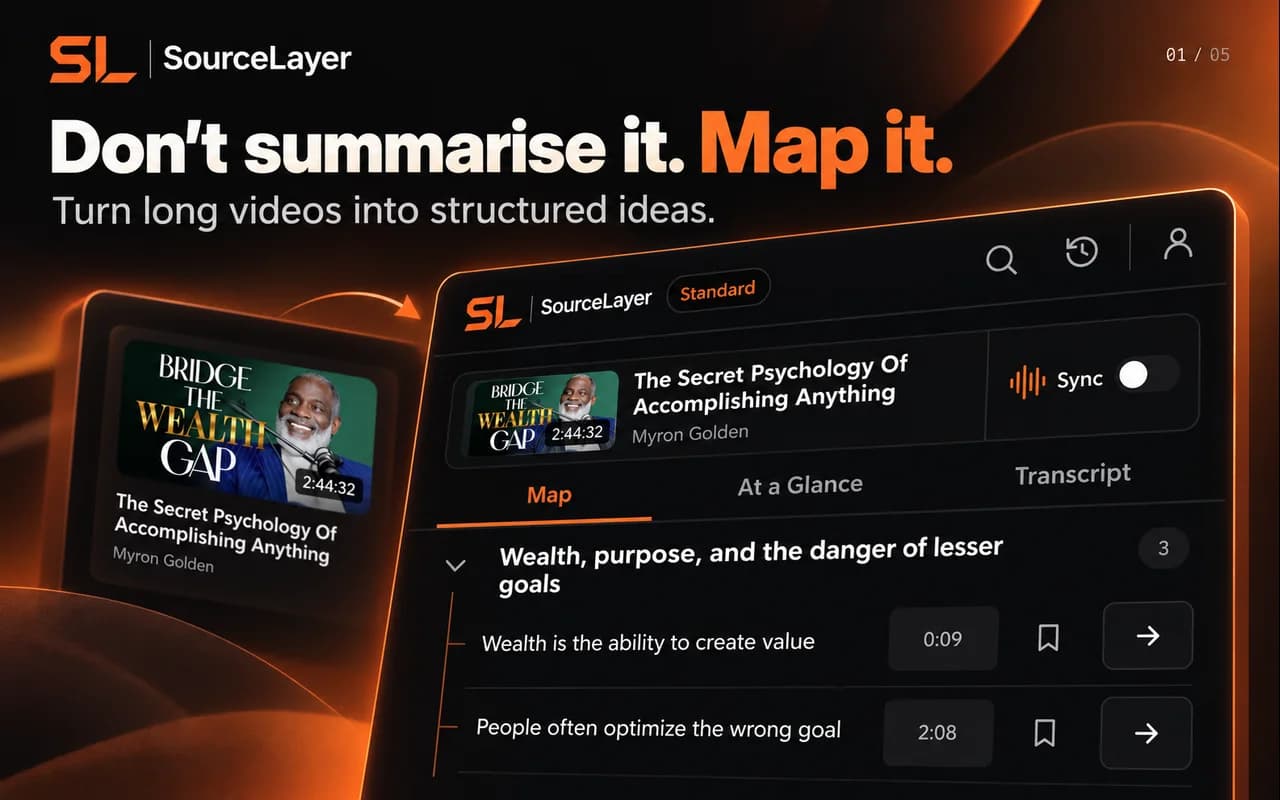
SourceLayer maps one long YouTube video into sections and ideas, links every idea to its transcript passage and exact timestamp, and follows the video as it plays.
Pick one video of an hour or more that you already know well. Write down three things you remember from it: a definition, an example and a claim you might quote. Then, in YouTLDR and in each alternative you are considering, time how long it takes to find each one and to check the exact wording in the original video. The tool that gets you back to the right moment fastest, with the words you can verify, is the one that fits long videos. If you only ever needed the gist, the fastest summary wins instead.
09
SourceLayer’s limits
SourceLayer works with supported YouTube videos that have usable captions, in Chrome. Automatic captions can mishear names and technical terms, and a Map can miss context, so check the original video before relying on an idea. In the inspected extension implementation, video sync and timestamp seeking are limited to the first 90 minutes of a video. SourceLayer does not summarise web articles or PDFs.
10
Questions
Can SourceLayer write blog posts from a video?
No. SourceLayer is built for navigating and checking a video, not repurposing it. If publishing is your goal, a repurposing tool fits better.
Is SourceLayer free?
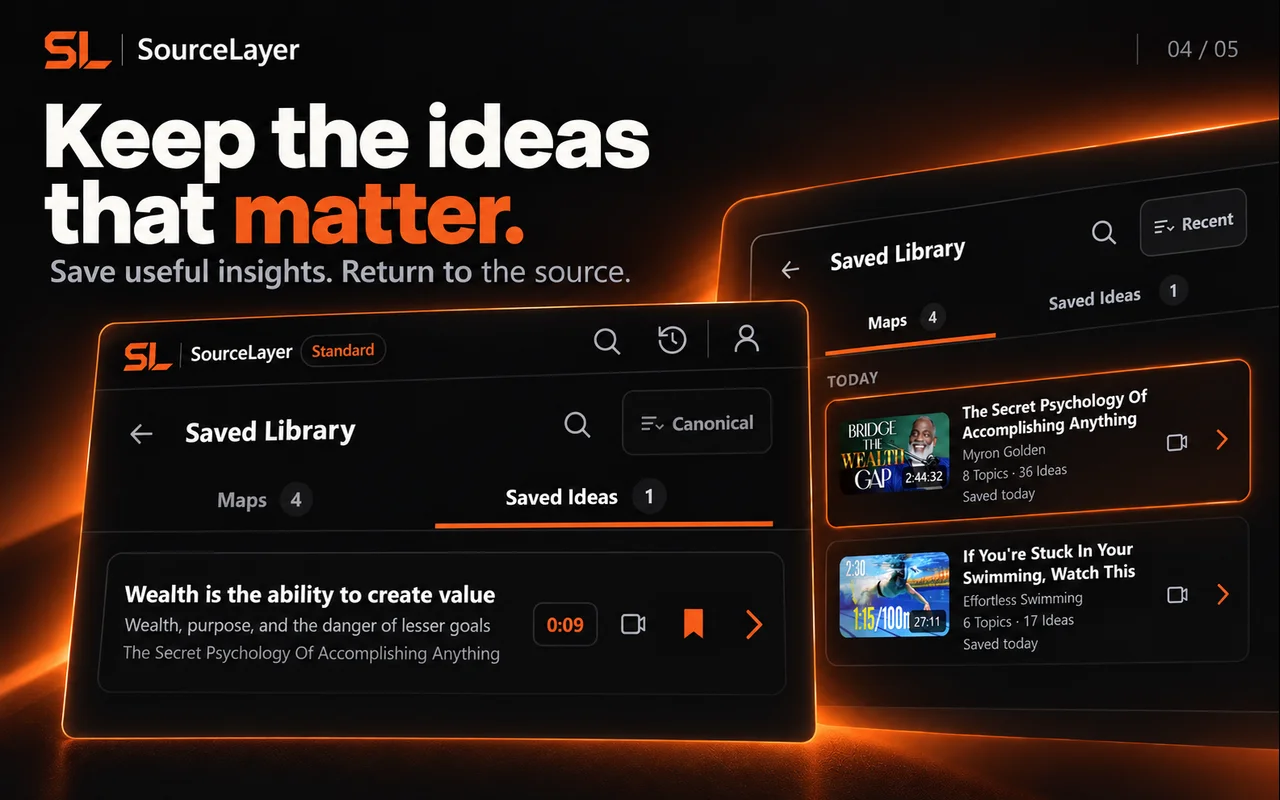
Free includes 3 hours of video per month with no card. Standard is $13.99 per month or $125.91 per year in the US, and £10.99 per month or £98.91 per year in the UK and includes 30 hours per month plus the Saved Library.
Which browsers does SourceLayer support?
SourceLayer is a Chrome extension. It works beside supported YouTube videos that have usable captions.
See the Map and Saved Library
Product views from our published Chrome Web Store listing. Saving Maps and ideas is available on Standard.
Map: explore sections and ideas, then return to a timestamp.Saved Library on Standard: keep Maps and useful ideas for later.
Frozen marketing Map based on the captured public English caption track. Source: Physics Videos by Eugene Khutoryansky, Creative Commons Attribution (YouTube). Selected excerpts and editorial paraphrases; no affiliation or endorsement.
This example uses the current research demonstration. It illustrates Map navigation; it is not a transcript of the video.
Two slits turn individual impacts into an interference pattern
 Add SourceLayer to Chrome